xtool Plugin
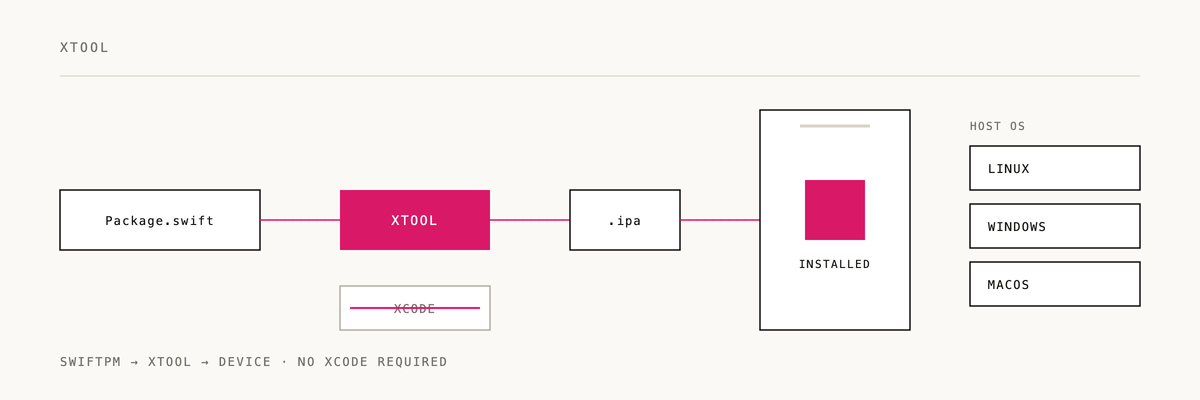
Xcode-free iOS development with xtool - build SwiftPM apps on Linux, Windows, and macOS without Xcode.
Installation
/plugin marketplace add 2389-research/claude-plugins
/plugin install xtool@2389-research
What this plugin provides
Skills
using-xtool-- guide for xtool iOS development including project creation, app extensions (widgets, share extensions), and configuration
Quick example
Create a new iOS app:
xtool new MyApp
cd MyApp
xtool dev
Add a widget extension:
- Add product + target to
Package.swift - Configure in
xtool.ymlunderextensions: - Create
Sources/MyWidget/Widget.swift - Create
MyWidget-Info.plistwithNSExtensionPointIdentifier - Run
xtool dev
When this skill applies
The skill auto-triggers on:
- Mentions of
xtool - SwiftPM iOS app development
- Building iOS apps on Linux/Windows
- App extension setup (widgets, share extensions)
How xtool differs from XcodeGen/Tuist
| xtool Uses | NOT These |
|---|---|
xtool.yml | project.yml, Project.swift |
Package.swift (SwiftPM) | Xcode project files |
xtool dev | xtool build, xtool run |
Links
- xtool GitHub
- Plugin CLAUDE.md -- development instructions
If xtool freed you from Xcode, a ⭐ helps us know it's landing.
Built by 2389 · Part of the Claude Code plugin marketplace